
In today’s day and age, WiFi security is an important part of any stay. Whether it’s your home, a hotel, work, school, or a short-term rental, you expect to have fast, reliable, and secure internet access. As a host, your rental property should be no different. This blog post will cover the things you need to know and consider when setting up Wifi for your guests.
Host Tools provides an automated, unified calendar for short-term rental hosts, allowing you to seamlessly list on all major channels. Start your free trial today!
Set up a guest network
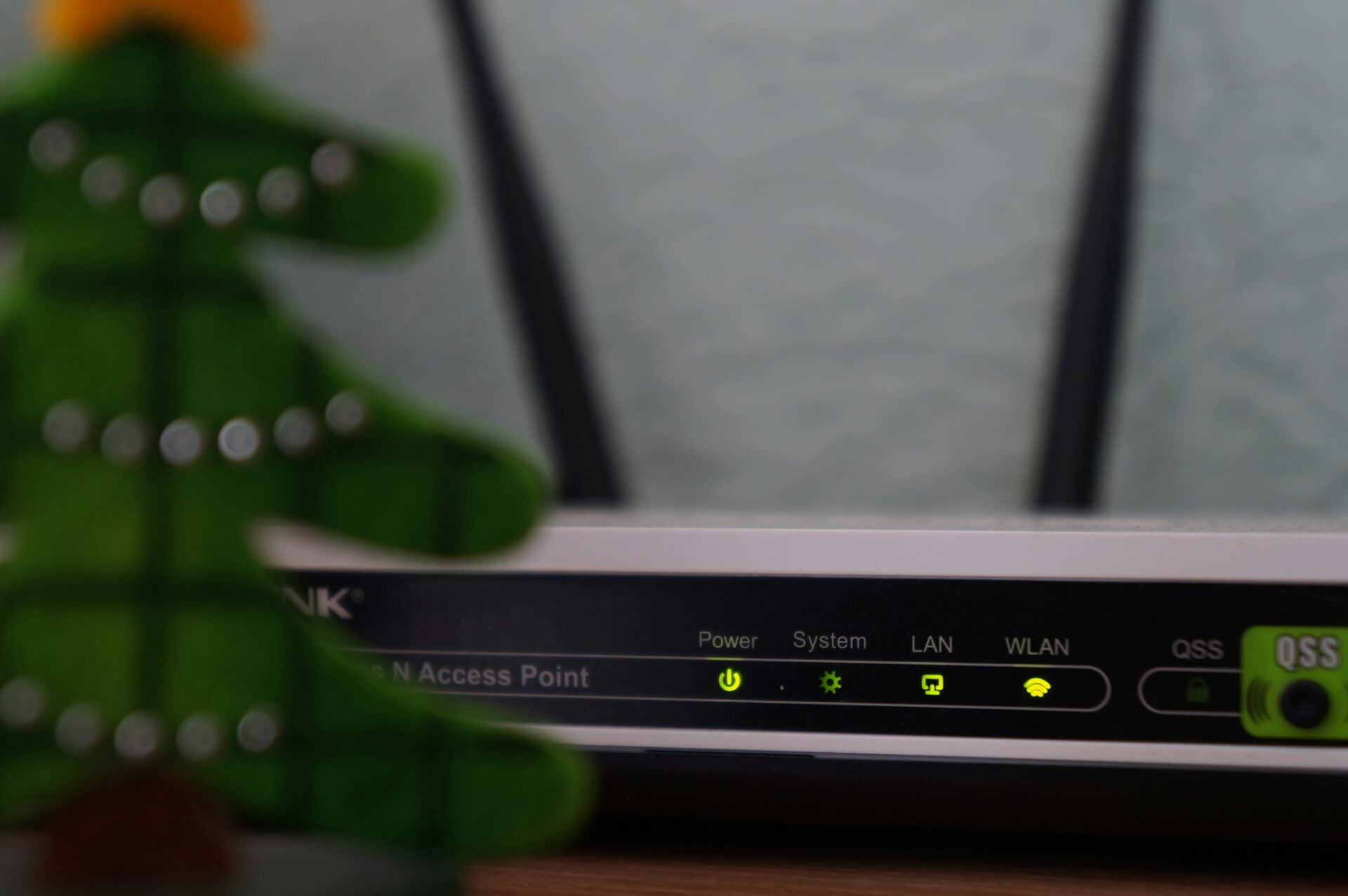
Particularly true if you’re renting out a property that you live in, you want to set up a guest network that is separate from the one you personally use. While it uses the same internet connection as your personal network, it operates separately from it. This means your guests can access the internet, but they cannot access the same Wifi connection that your personal devices are on, like your smart home devices.
While handing out the password to your home internet may not seem like a big deal, it opens you up to risks. Whether intentional or not, a guest can gain access to personal information and potentially even your security cameras. It’s best to just make separate networks so there is no chance for mishap.
Use strong encryption
Encryption is a word we hear thrown around a lot. Encryption is basically the digital lock that keeps people from accessing what you’re doing on the internet. WPA3 is considered the best, but WPA2 is still perfectly acceptable. You don’t want to leave your network open, as it allows hackers the opportunity to more easily connect to your network and steal personal information. It also means people who are not even staying at your property could be using your internet connection.
Create a strong password and network name
Passwords and network names (SSID) are tricky because you have a rotating door of guests as a short-term rental host. We suggest still using a strong password that isn’t super obvious, but still easy to share with guests. We also suggest renaming your network to something that makes it clear the guest is trying to connect to your home. For example, a network like “Guest Beach House” or “Guest House in the Woods” is cute and clear. But your password should be a bit more creative. You may want to consider changing the password periodically, just because you have so many folks going in and out of your home.
Turn on network isolation
You’ll want to turn on network isolation. This prevents guests from using each other’s devices, which is particularly important in rentals with multiple units.
Set bandwidth limits
While you want high-speed internet for all guests, you may want to consider setting bandwidth limits. This prevents guests from excessive downloads or abusing streaming services.
Consider a firewall or other security measure
For most people, a basic router setup is enough. However, you may want to consider additional security measures. Most modern routers come with a built-in firewall, and in many cases, it’s already turned on by default. This feature acts as a barrier between your network and the wider internet. It can help block suspicious traffic from reaching your devices.
Final thoughts
Ultimately, fast, reliable, and safe Wifi is a must in any short-term rental. You don’t need to be a tech wizard to set this up, either. Simply engage in the easy-to-follow security measures outlined here, and you’ll be good to go.
Host Tools provides an automated, unified calendar for short-term rental hosts, allowing you to seamlessly list on all major channels. Start your free trial today!