
If you’re a short-term rental host, you know this industry takes guts. It’s so much more than setting up a listing online and scheduling a few cleanings between guests. The art of hosting includes everything from top-notch communication to the tiny, personalized details of a welcome book. Whether you’re a brand-new host or just looking to polish up your skills, we’ve got seven pieces of Airbnb host advice to get you started.
Host Tools provides an automated, unified calendar for short-term rental hosts, allowing you to seamlessly list on all major channels. Start your free trial today!

7 best tips for hosts
Let’s take a look at a few simple Airbnb host tips.
1. Improve your visibility
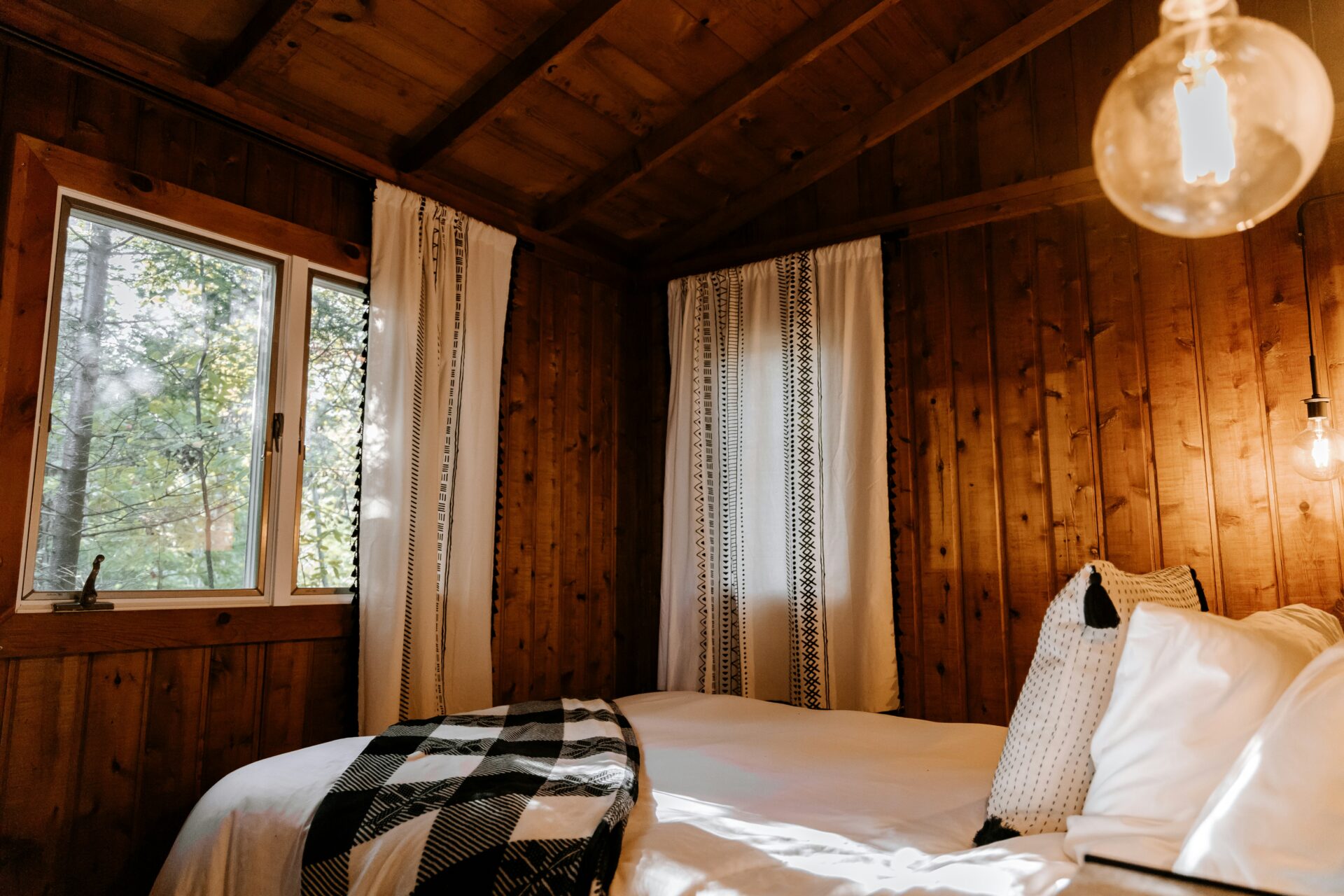
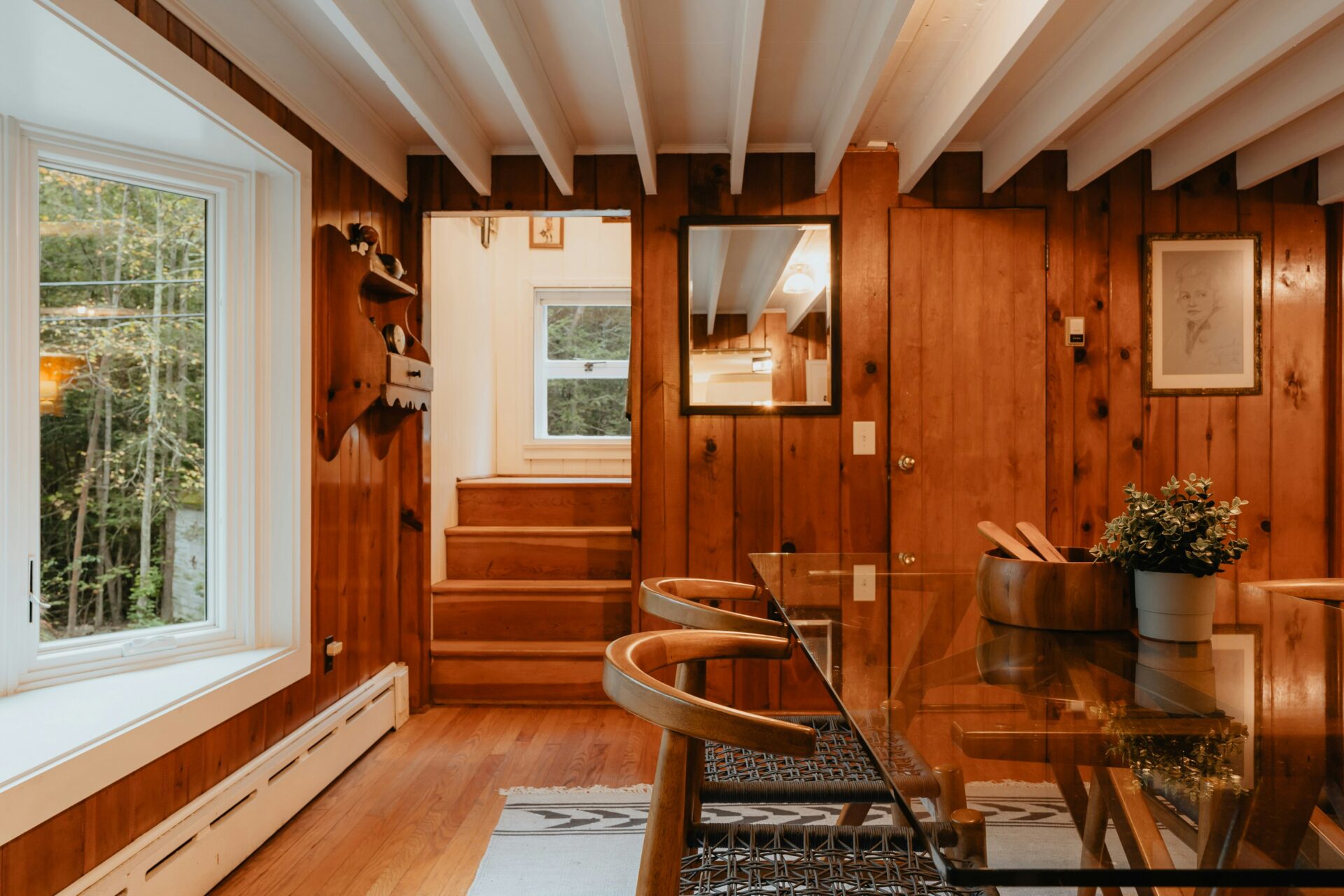
First impressions are everything. A guest WILL judge a book by its cover when that book is your short-term rental. You must use high-quality photos when promoting your home. Write a good description and highlight what makes your home special. Additionally, you need to update your listing on the regular. Did you paint the living room a brand new color? Swap out that photo for a new one. Did you just add an outdoor sauna? Add it to the amenities page. Your listing should accurately reflect the guest experience as much as possible.
2. Automate communication
Nobody wants to wait on a reply, and that’s especially true of short-term rental guests. If there’s an issue with check-in, they need to be sure they have access to the smart lock code ASAP. Need to ask a question about the area? An AI auto-reply can help with that. Lock in your communication plan with Host Tools’ automated messaging feature to ensure your communications are accurate, fast, and to the point.
3. Stay on top of reviews
Guest reviews make or break your business. Plain and simple. Regularly encourage guests to leave positive feedback. You can easily do this by scheduling automated messages after checkout. The more 5-star reviews you have, the more likely folks are going to book with you. Of course, be sure to respond kindly to any less-than-stellar reviews on your page.
4. Have a cleaning plan
Cleanliness is a non-negotiable. A guest showing up to a dirty property is almost impossible to come back from. Luckily, Host Tools helps you automate your cleaning schedules so you never miss a cleaning.
5. Price competitively
Setting your pricing well will help you maximize your income. This is done by strategically adapting your rates based on demand, seasonality, and market trends. Host Tools provides a pricing integration feature that works with platforms like PriceLabs to ensure your rates are competitive and optimized for maximum profitability.
6. Utilize smart home technology
Making your rental tech-friendly can enhance the guest experience. Smart locks, thermostats, and outdoor security cameras not only add convenience but also improve safety. Host Tools integrates with many smart home devices, allowing you to manage things like automated lock codes directly through the platform.
7. List on multiple channels
If you’re expanding your hosting business beyond Airbnb, juggling multiple booking channels can quickly become overwhelming. Host Tools’ channel manager syncs your reservations, calendars, and rates across different platforms, ensuring no double bookings and a streamlined operation.
Final Thoughts on Airbnb host advice

Being a successful host means juggling a whole bunch of diverse tasks. Luckily, when you follow these seven tips and integrate your listing with Host Tools, things don’t have to be so hard. Wit Host Tools, you’ll save up to 80% more time so you can focus on delivering the best short-term rental experience around.
Host Tools provides an automated, unified calendar for short-term rental hosts, allowing you to seamlessly list on all major channels. Start your free trial today!