
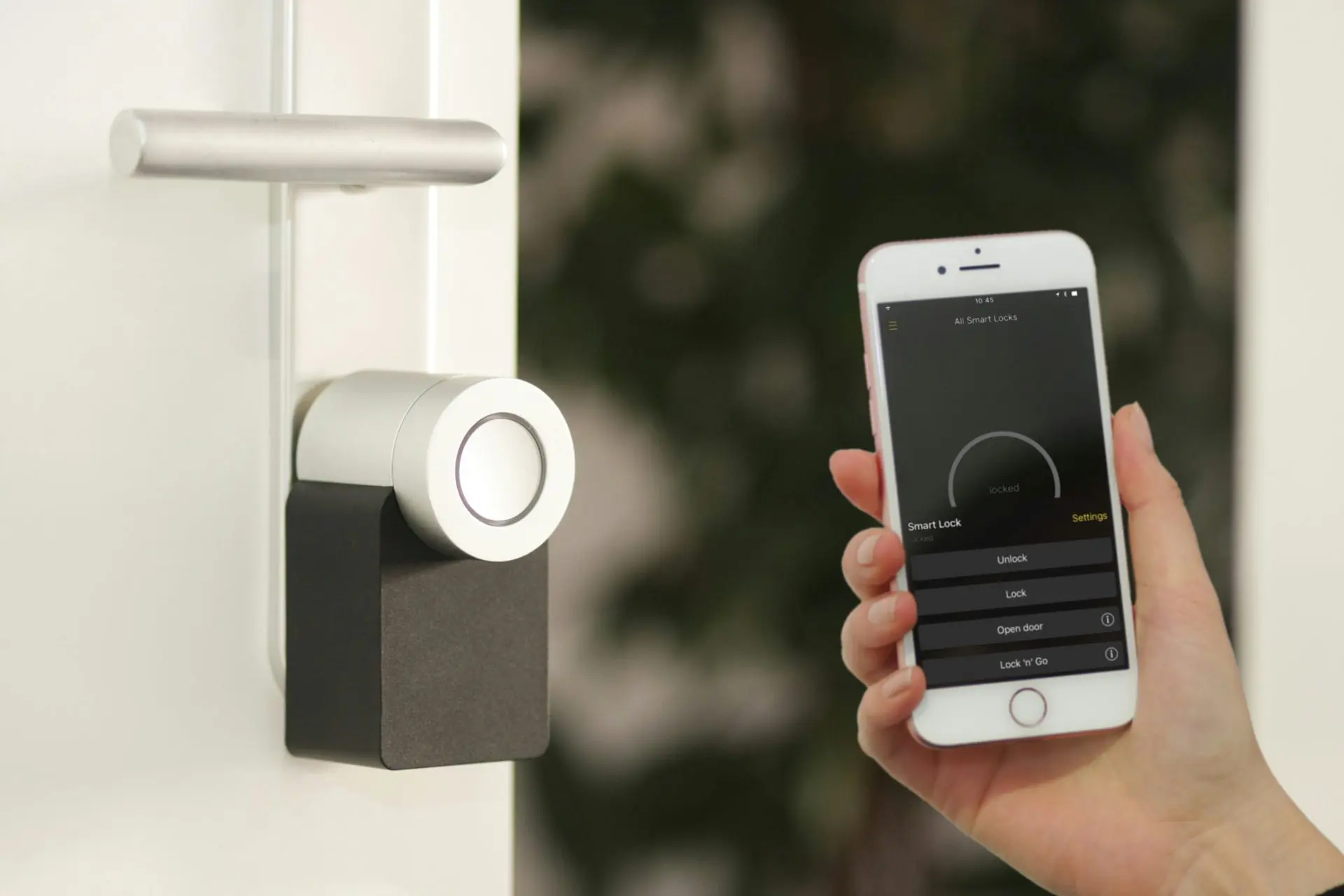
Smart locks are a game-changer for vacation rental hosts, making check-ins and check-outs simple while eliminating the hassle of managing physical keys. But what happens when your smart door lock fails? It could be a power outage, the smart locks without wifi, glitchy hardware, or a guest who can’t figure out the system.
Don’t panic! With some preparation and quick thinking, you’ll be able to save the day for your guests and make sure those smart locks work. This guide will walk you through actionable backup plans for your smart lock so you can maintain a smooth operation and keep your guests happy (and your reviews stellar).
Host Tools provides an automated, unified calendar for short-term rental hosts, allowing you to seamlessly list on all major channels. Start your free trial today!

Why would a smart lock not work?
While uncommon, there are a few reasons a smart lock might not work. The biggest one is that the battery has died. We’ve all had it. We’ve let our cellphones reach 0%. Same thing here. Or, perhaps there is a technical issue or some type of external damage. Lastly, perhaps there is just some user error that has caused the lock to no longer work.
Step 1: Keep an extra key handy
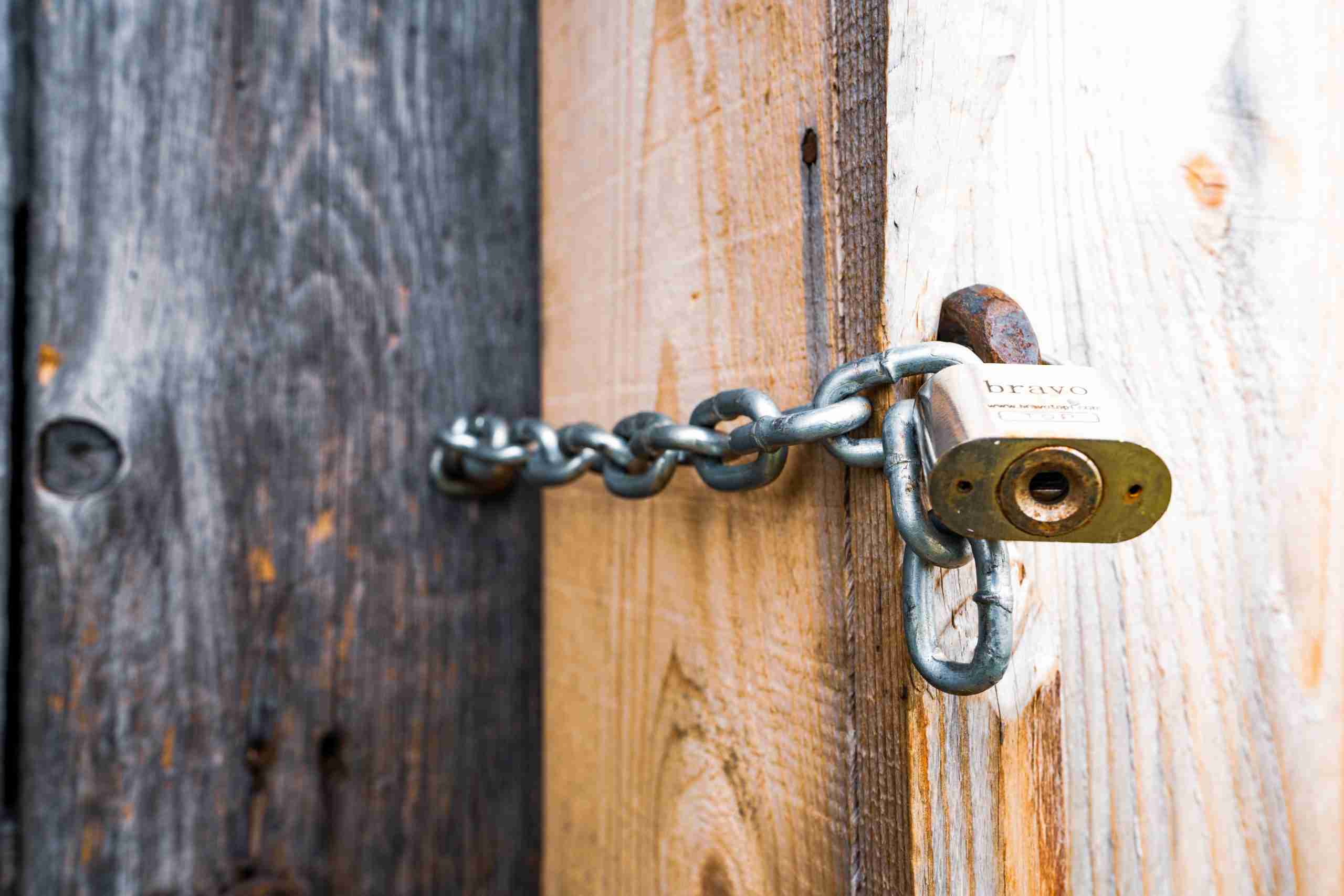
While smart locks may make physical keys feel unnecessary, they shouldn’t be entirely discarded. Having a physical backup key is your safety net when all else fails.
- Secure a Safe Location: Store the key in a lockbox outside the rental. It could be hidden discreetly near the property but in a place easy enough for you or your property manager to access in emergencies.
- Share Specific Instructions: If you need guests to retrieve the key, ensure they know exactly where to look and how to open the lockbox. You could potentially share these details in their welcome message but only share the lockbox passcode when absolutely necessary to avoid misuse.
- Have a Spare With a Trusted Neighbor or Management Team: If you’re not nearby, make sure someone you trust has duplicate keys. This could be a neighbor, cleaning staff, or property management service. Or allow yourself a way to unlock the lock via a remote control app on youe phone or tablet.
Step 2: Install a backup lockbox
A smart move (pun intended) is to complement your smart lock with a traditional lockbox. These low-tech additions offer simplicity and reliability.
- Combination Lockbox: Choose a durable lockbox with a high-security combination lock. These are less likely to get tampered with compared to key-secured lockboxes.
- Customizable Codes: Update the code regularly to prevent security issues between guests.
- Placement: Discreetly attach the lockbox somewhere near the entrance or gate, but ensure it’s well-hidden to avoid catching a potential vandal’s attention.
Step 3: Utilize pre-set codes
One of the great features of most smart locks without Wifi is the ability to pre-set codes directly on the hardware. These pre-set codes can save the day when things go wrong.
- Provide an Emergency Code: Create and share a backup code with guests only in emergencies. Make sure the code is different from the primary one to prevent misuse.
- Expire Codes After the Stay: Manually reset all codes after each guest to ensure maximum security.
- Utilize Remote Unlocking: Choose a smart lock that permits remote access in case you need to manually let them in from your phone.
Using pre-set codes ensures guests have alternative access without requiring complex troubleshooting.
Step 4: Regularly inspect your smart lock
Stay ahead of the game by regularly checking out your lock. Check its battery level, keep it clean and dust it off, and always give it a test after every guest. If it requires a software update, do that to ensure there are no little bugs or hiccups.
Step 5: Create clear instructions
Frankly, oftentimes when a smart lock doesn’t work its because of human error. To help eliminate that, be sure to send very clear and concise instructions in your pre-arrival messages and digital welcome manual. It doesn’t hurt to add a little “troubleshooting” section to the message as well.
Step 6: Contact your help network
Sometimes, you need professional help. It might be a member of your property management team or support from the maker of the smart lock. Whatever it is, have these contact numbers handy from day one so there is no time wasted searching for the right contact information.
Step 7: Have another entry option
If your property has another entry point, consider having a backup smart lock there. This way, you can manually send another code for this lock so the guest can get inside and give you time to problem-solve the main entrance.
The best smart lock
Our favorite is the August Smart Lock. We love it for so many reasons, and a big one is because it integrates beautifully with the Host Tools platform. Together, Host Tools automatically sends access codes to guests. These entry codes are unique codes that only work for the duration of their stay. This means you never need to worry about folks re-entering the property after check-out or dealing with key exchanges.

Final thoughts
While no system is perfect, smart locks are pretty close. Yet, every once in a blue moon, they may fail. As a result, it’s important to have a backup plan in place for getting your guests inside. This is particularly true if you don’t live nearby. Have a plan in place for a spare key exchange or alternate entry point, and you’ll be good to go!
Host Tools provides an automated, unified calendar for short-term rental hosts, allowing you to seamlessly list on all major channels. Start your free trial today!